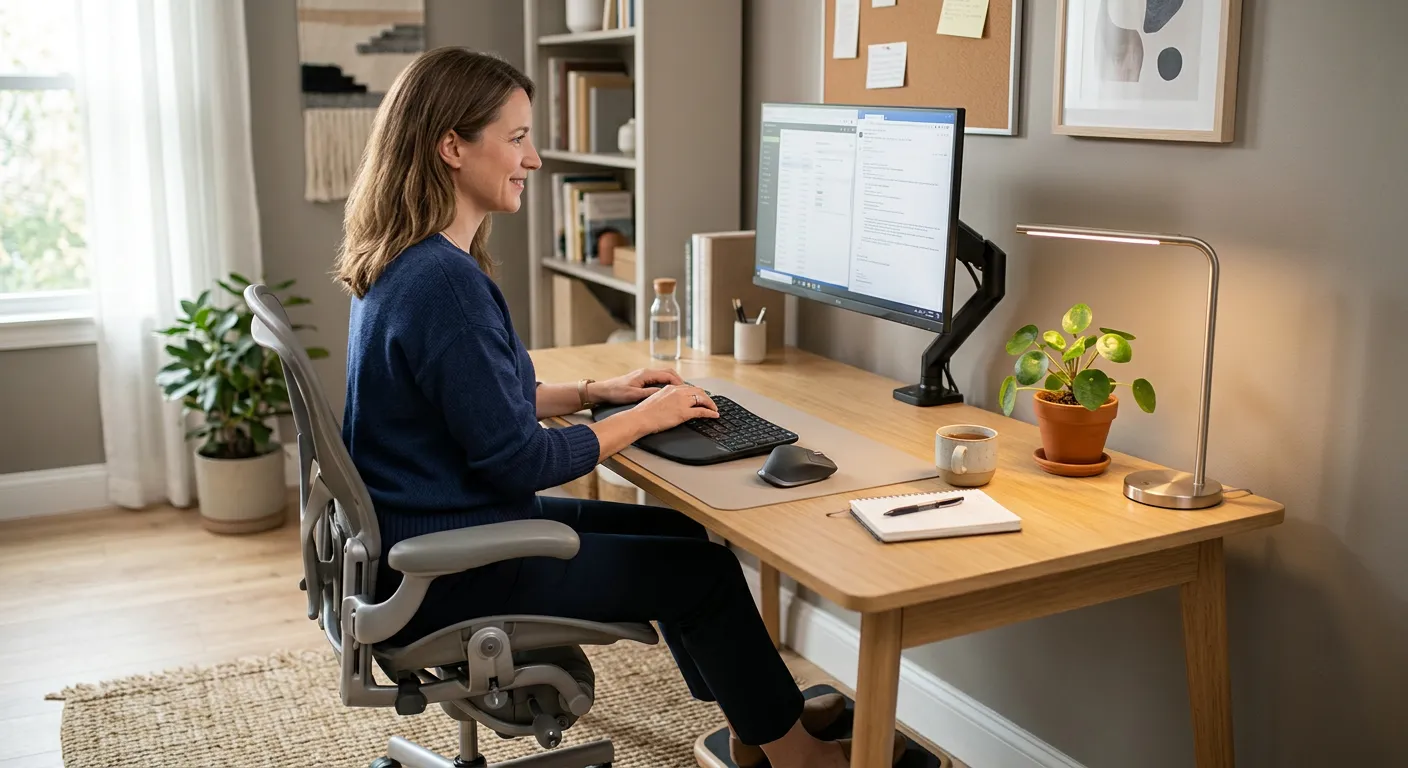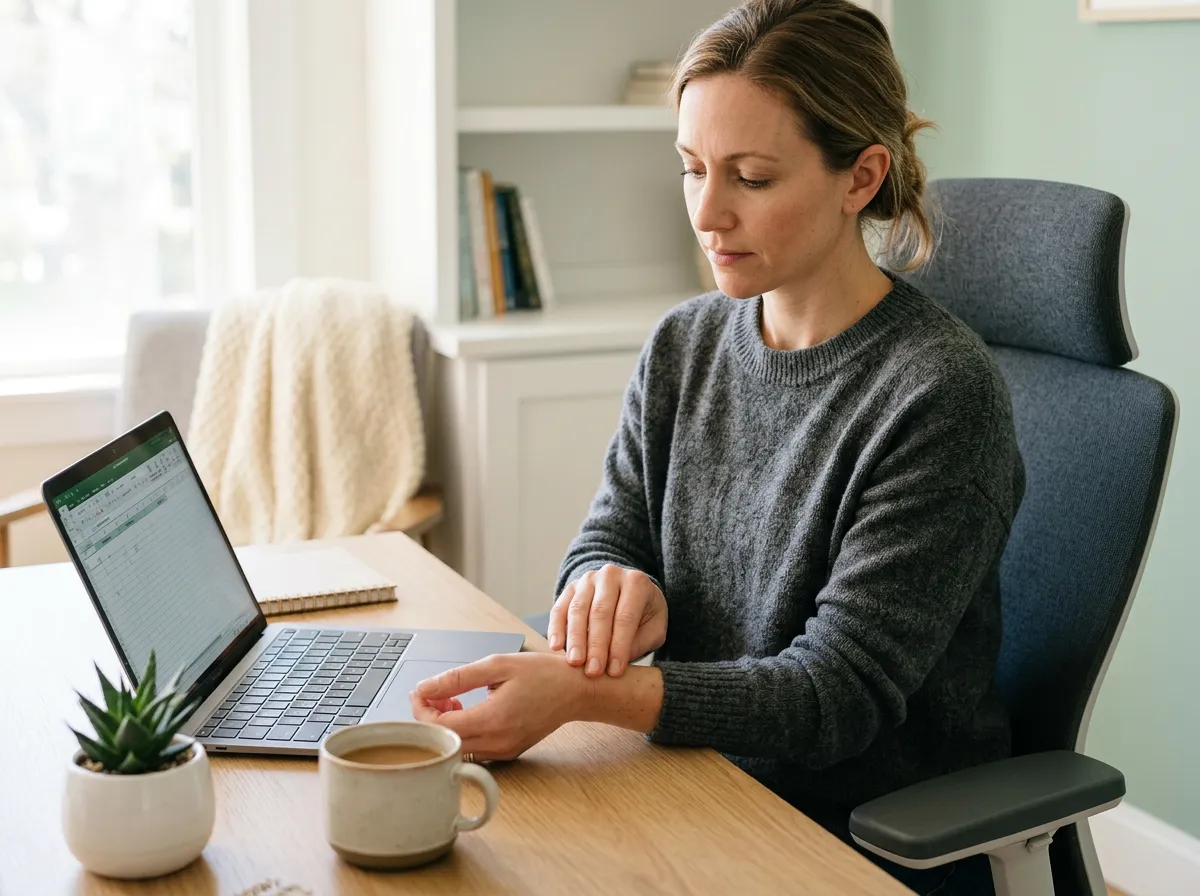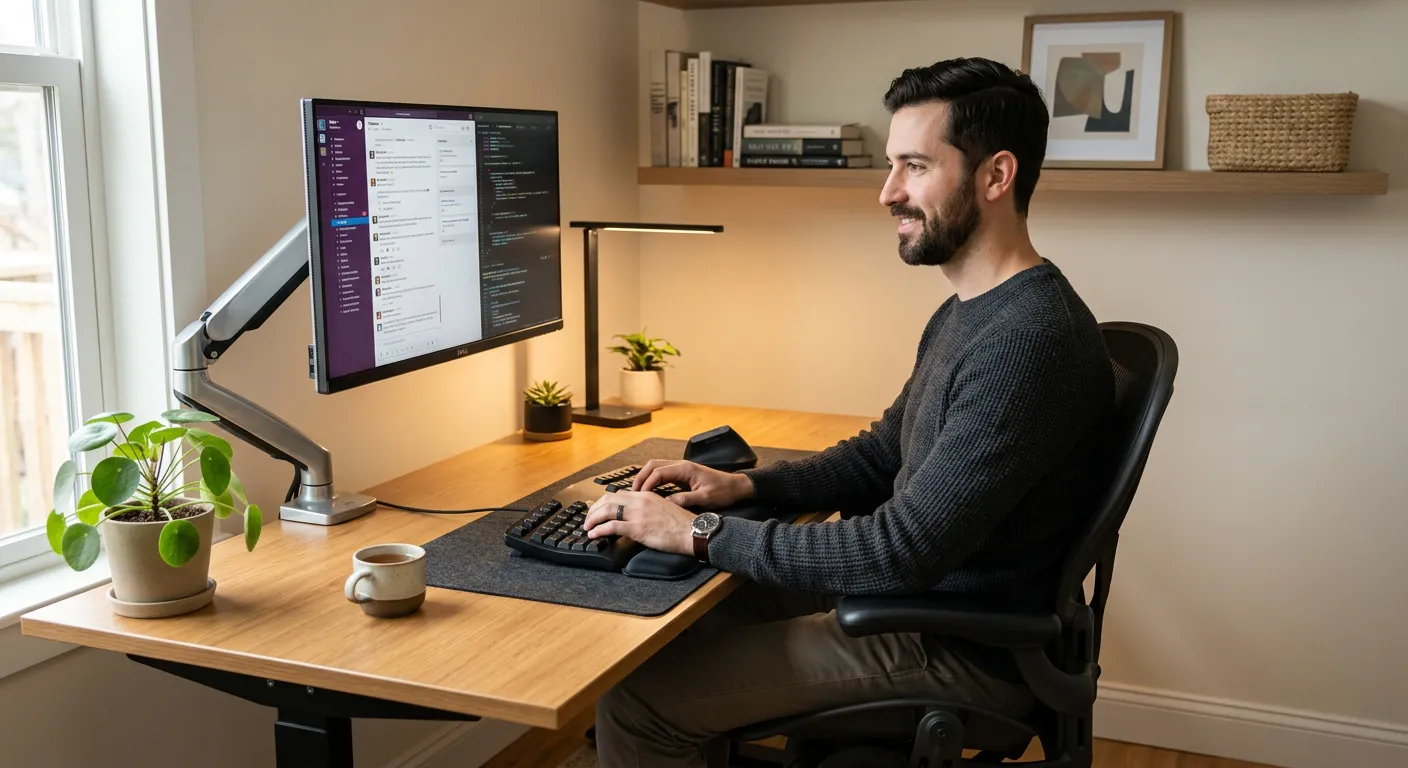
Most of us spend thousands of hours a year at a desk, often hunched over a laptop on a kitchen chair. It's no surprise that back, neck and wrist pain are so common among office workers and anyone who works from home.
The good news: small changes to a workstation can prevent a lot of that pain before it starts. Prevention really is better than cure, and ergonomic gifts are a thoughtful way to help someone you care about work more comfortably.
What makes a workspace ergonomic?
"Ergonomic" simply means the workspace fits the person, not the other way around. The basics:
Want the research behind it? Read our resource Ergonomics: Sitting or Standing at Work?
11 ergonomic gifts for the home office
The foundation: chair and desk
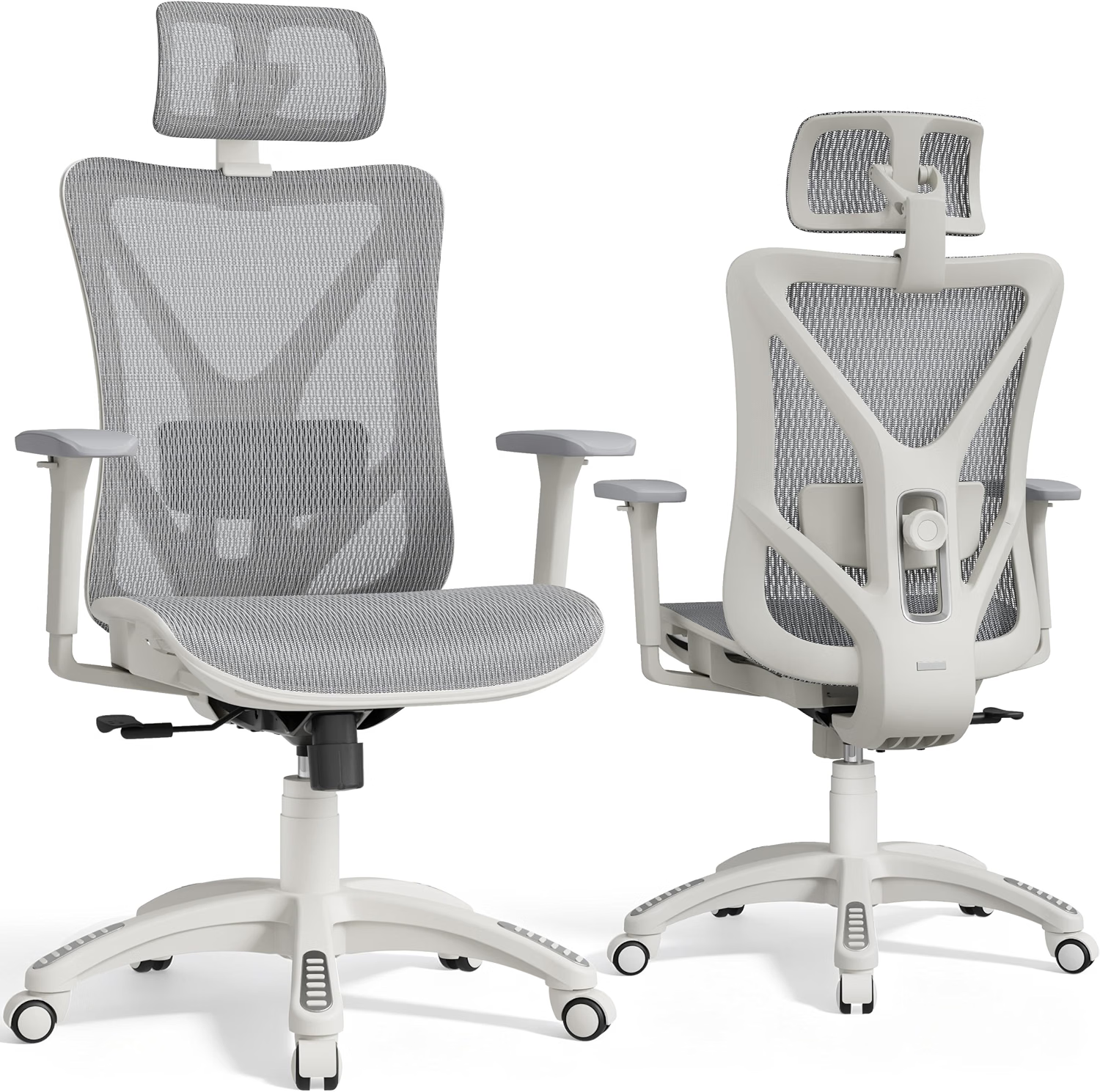
1. Ergonomic Office Chair with Lumbar Support
A fully adjustable desk chair with built-in lumbar support, adjustable arms, seat depth and a headrest.
Why it helps: The chair is the foundation of a pain-free desk. Adjustability lets it fit the person instead of the other way around.
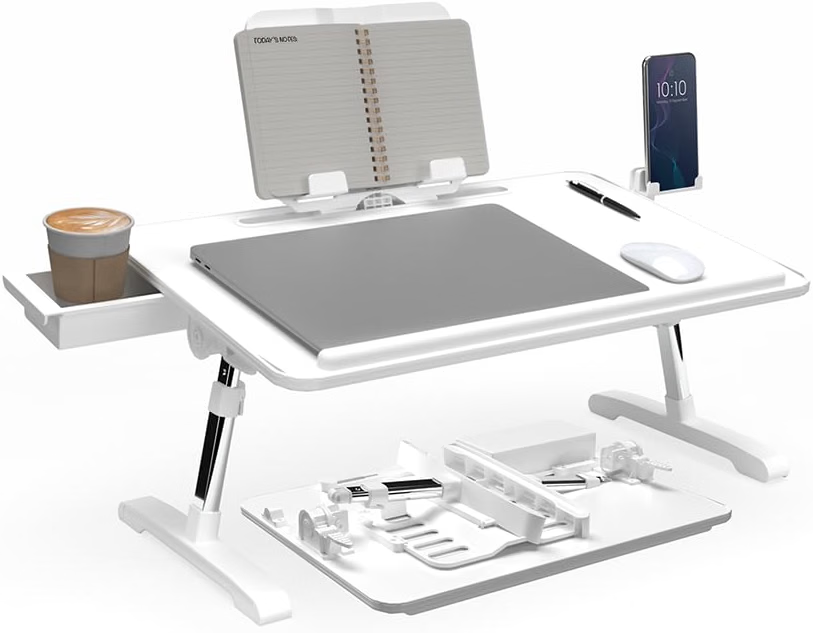
2. Sit-Stand Desk Converter
A riser that sits on top of an existing desk and lifts the keyboard and screen up for standing, then folds back down for sitting.
Why it helps: Switching between sitting and standing through the day breaks up the long static sitting that so often leads to back and neck pain.

3. Memory Foam Lumbar Support Pillow
A contoured cushion that straps to an office chair, car seat or sofa to fill the gap behind the lower back.
Why it helps: Supporting the natural curve of the lower spine stops the slump that strains back muscles over a long day of sitting.
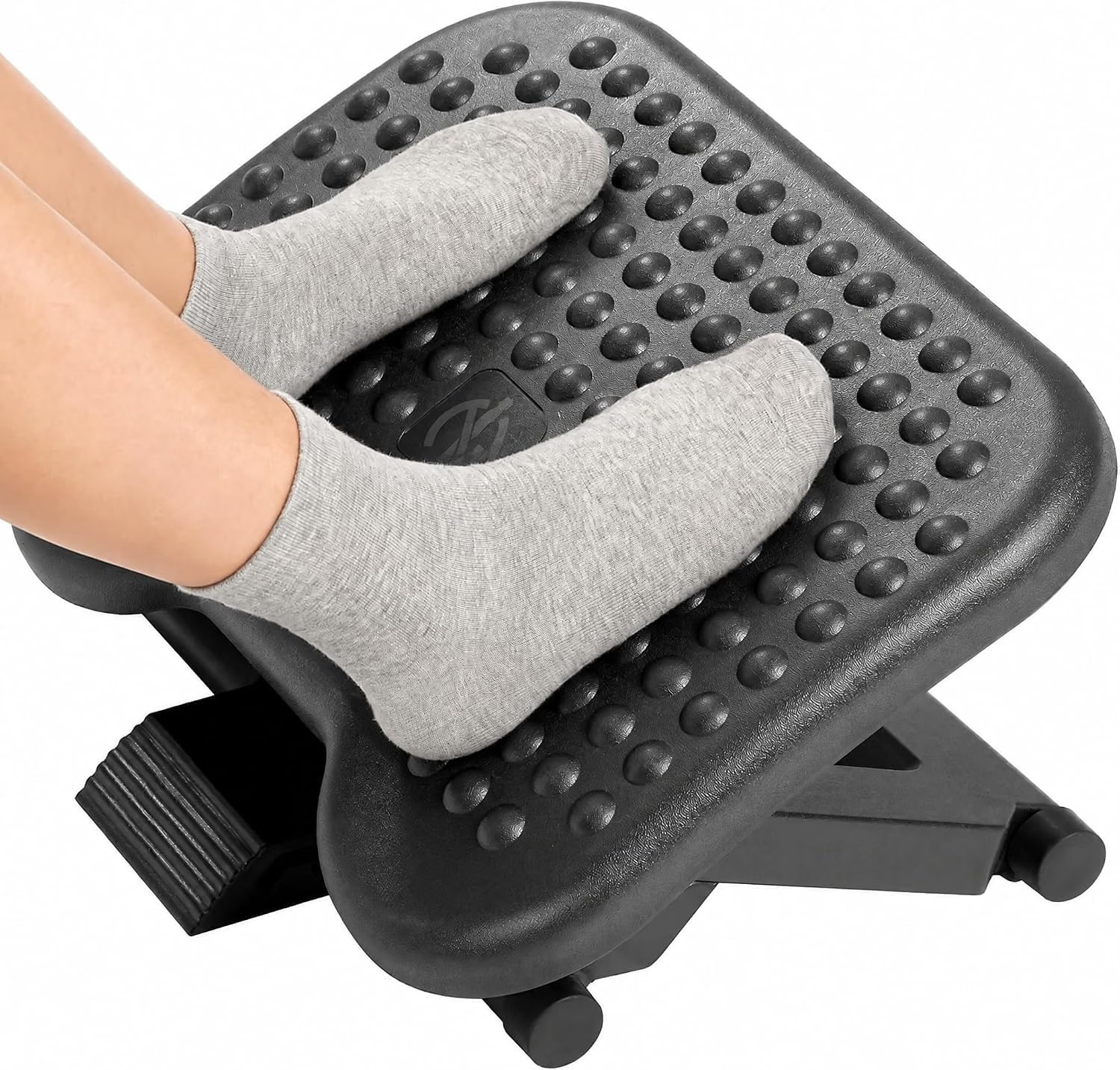
4. Adjustable Under-Desk Footrest
A tilting footrest that keeps feet supported and knees level when the chair is raised to desk height.
Why it helps: Dangling or tucked feet pull on the lower back. Supported feet help the whole posture fall into place.
Screen and lighting
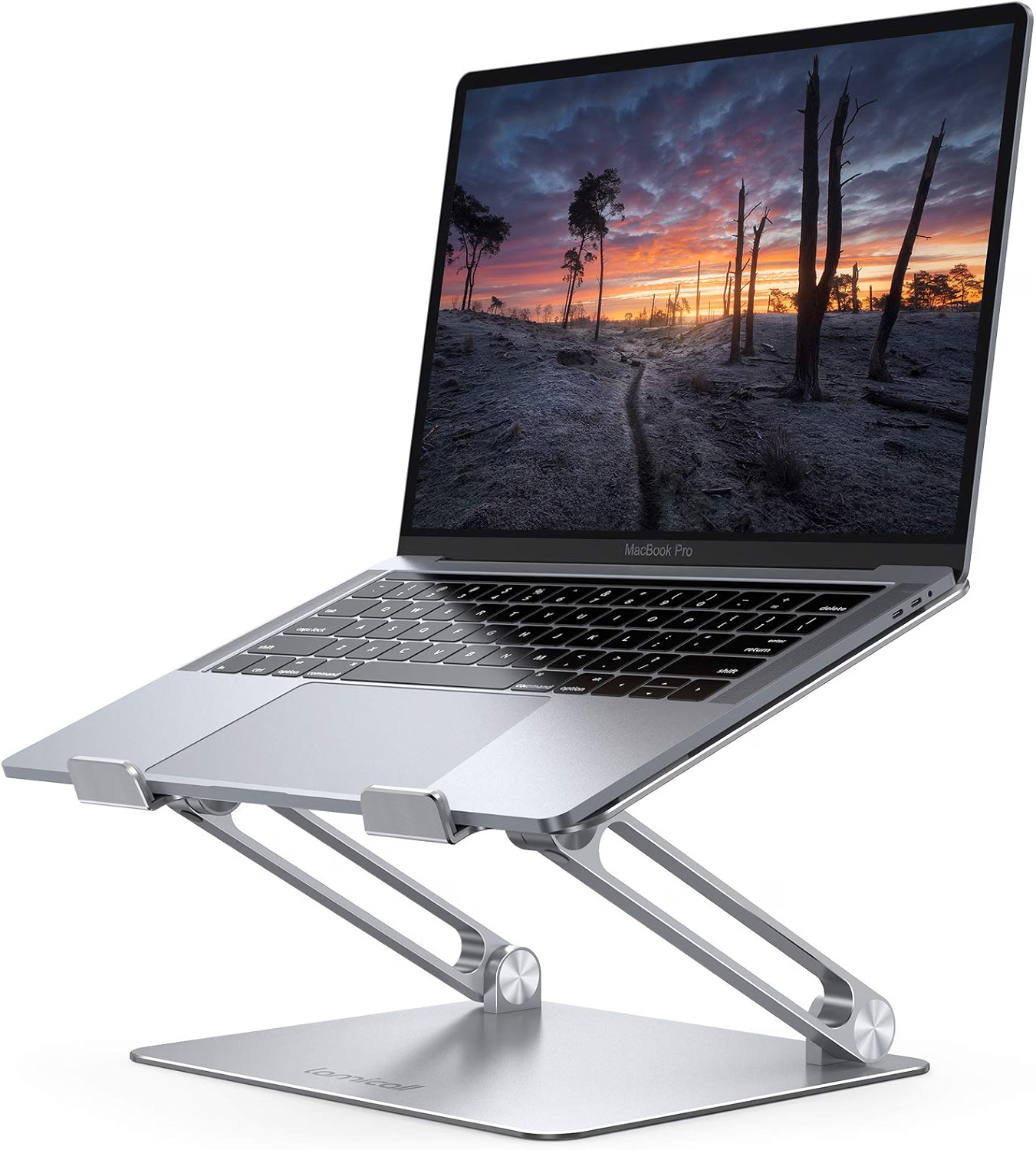
5. Adjustable Laptop Stand
A sturdy, foldable stand that lifts a laptop screen up to eye level.
Why it helps: Raising the screen stops the 'tech neck' head tilt. Pair it with a separate keyboard and mouse.
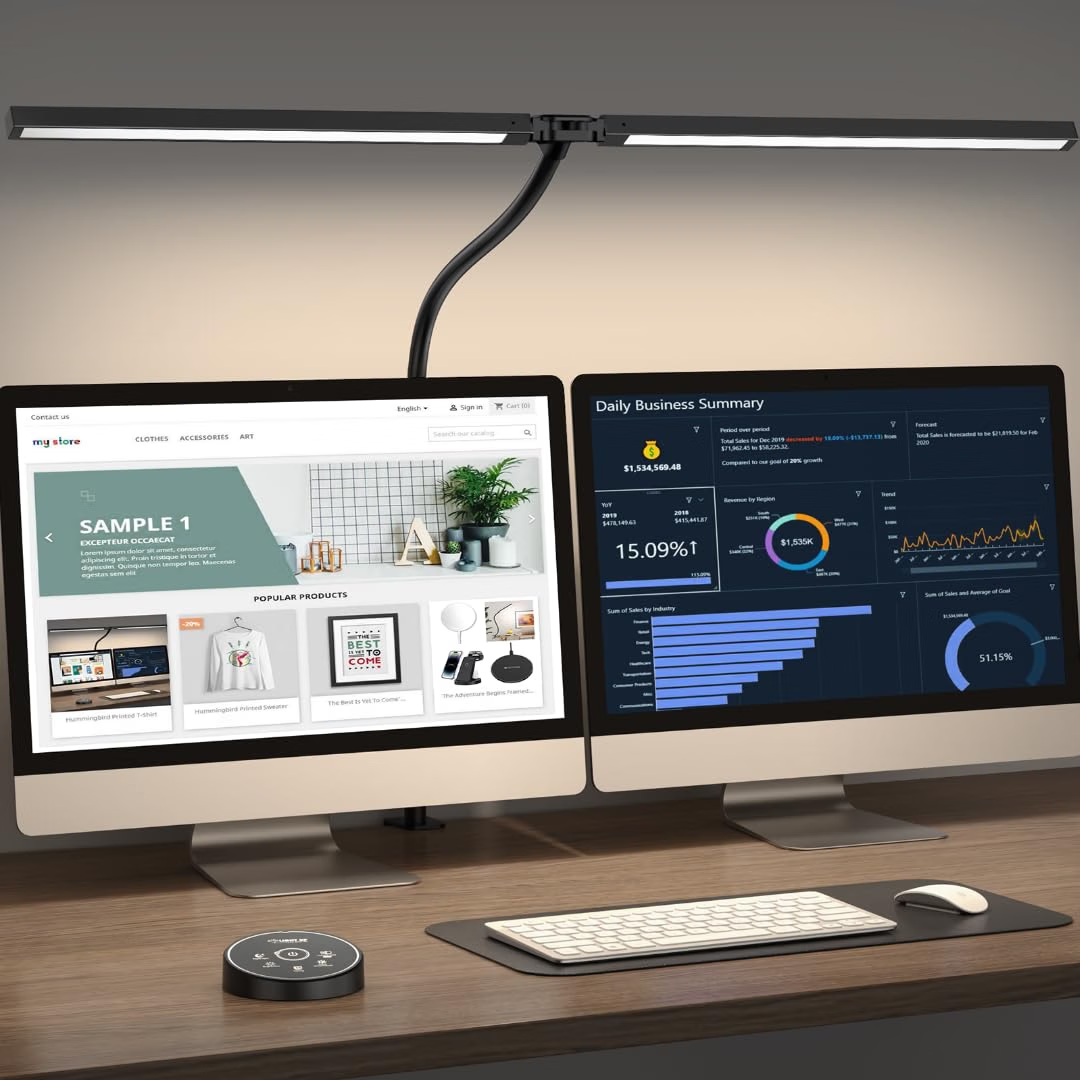
6. Monitor Light Bar
A slim lamp that clips onto the top of a monitor and lights the desk without glare on the screen.
Why it helps: Good, glare-free lighting reduces eye strain and the leaning-in that strains necks.
Wrist-friendly typing
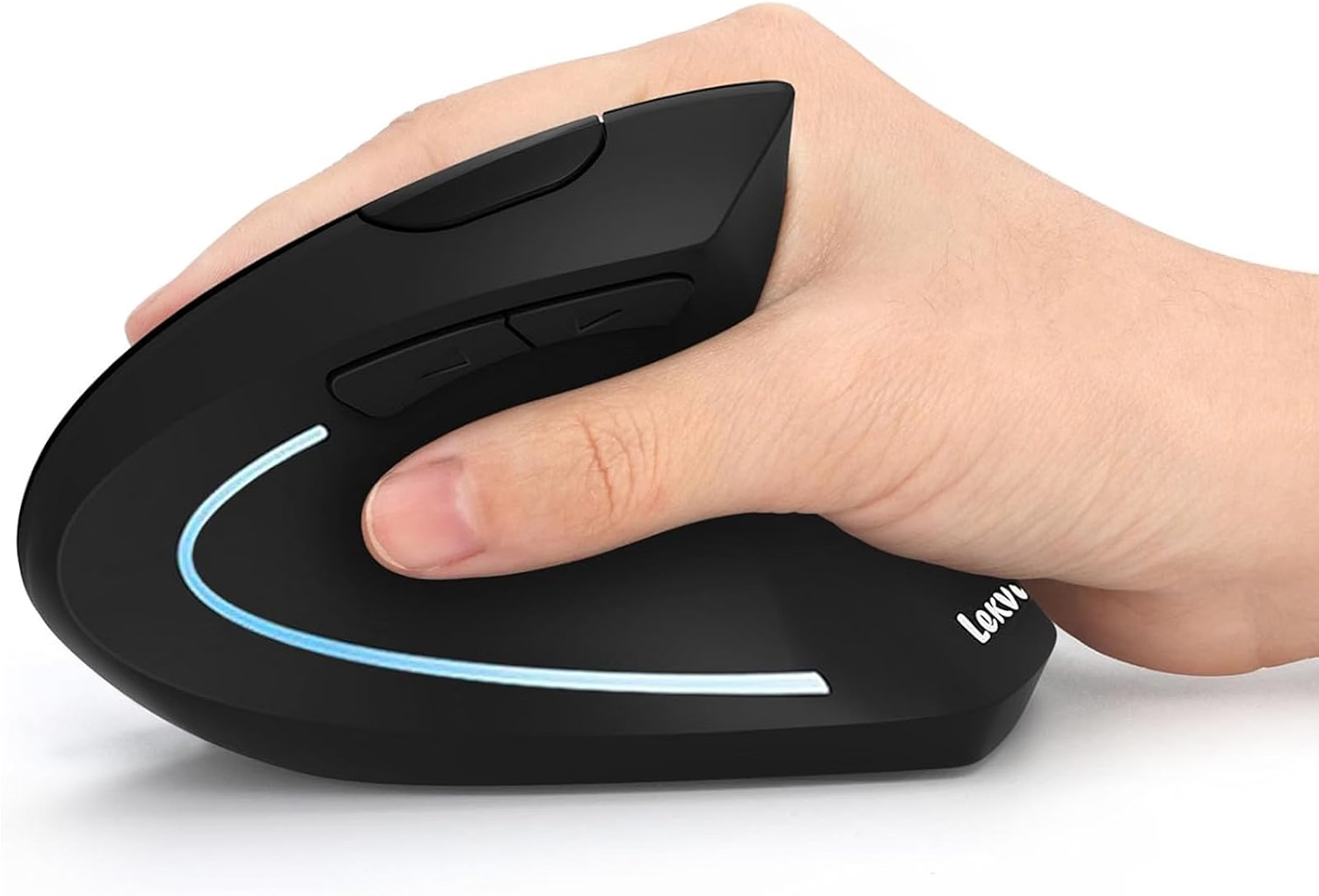
7. Ergonomic Vertical Mouse
A mouse shaped so the hand rests in a 'handshake' position instead of lying flat.
Why it helps: That more natural position takes twisting pressure off the wrist and forearm during long computer days.
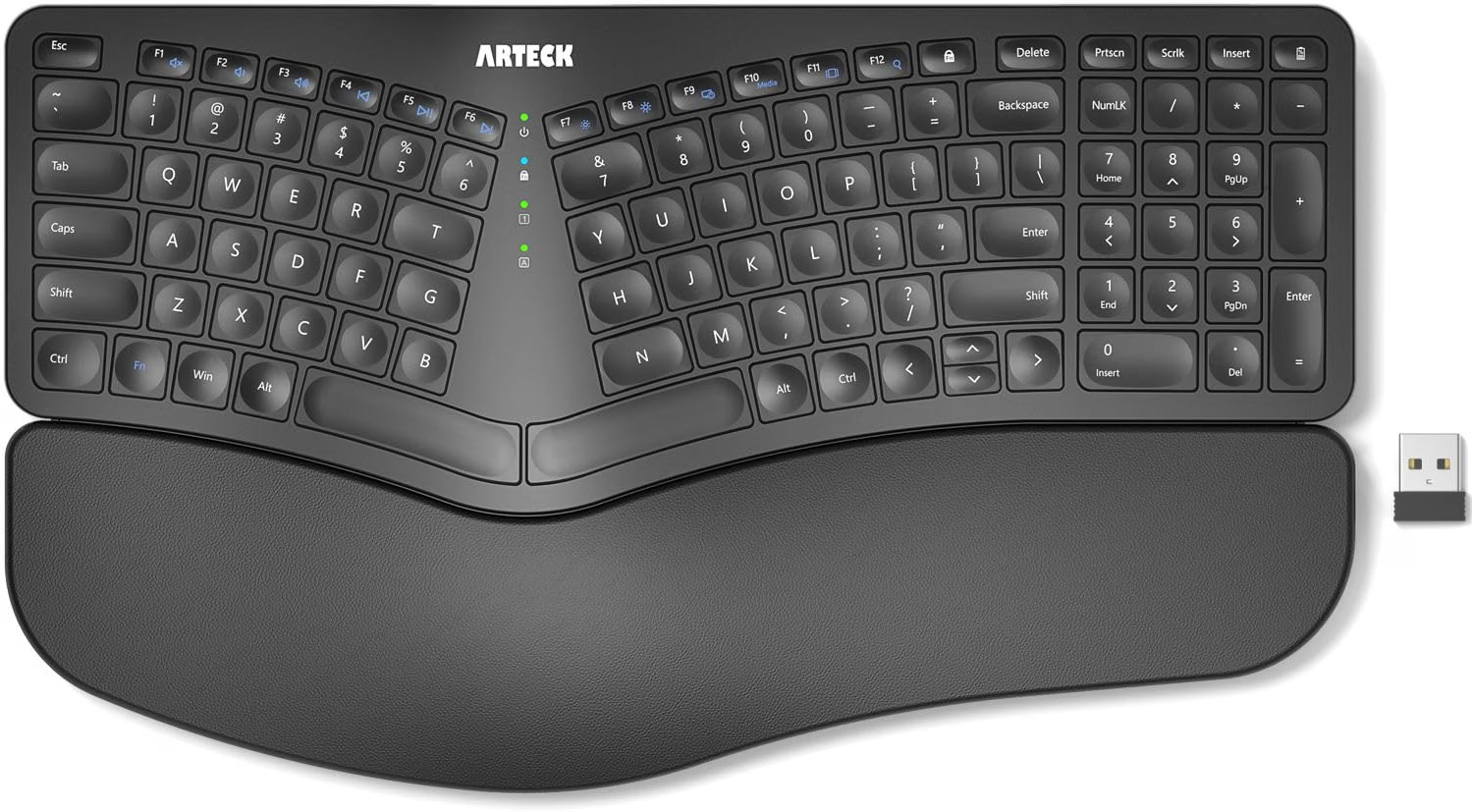
8. Split Ergonomic Keyboard
A keyboard split and angled down the middle, often with a padded palm rest.
Why it helps: It lets the hands sit at a more natural angle, reducing strain on the wrists for heavy typists.
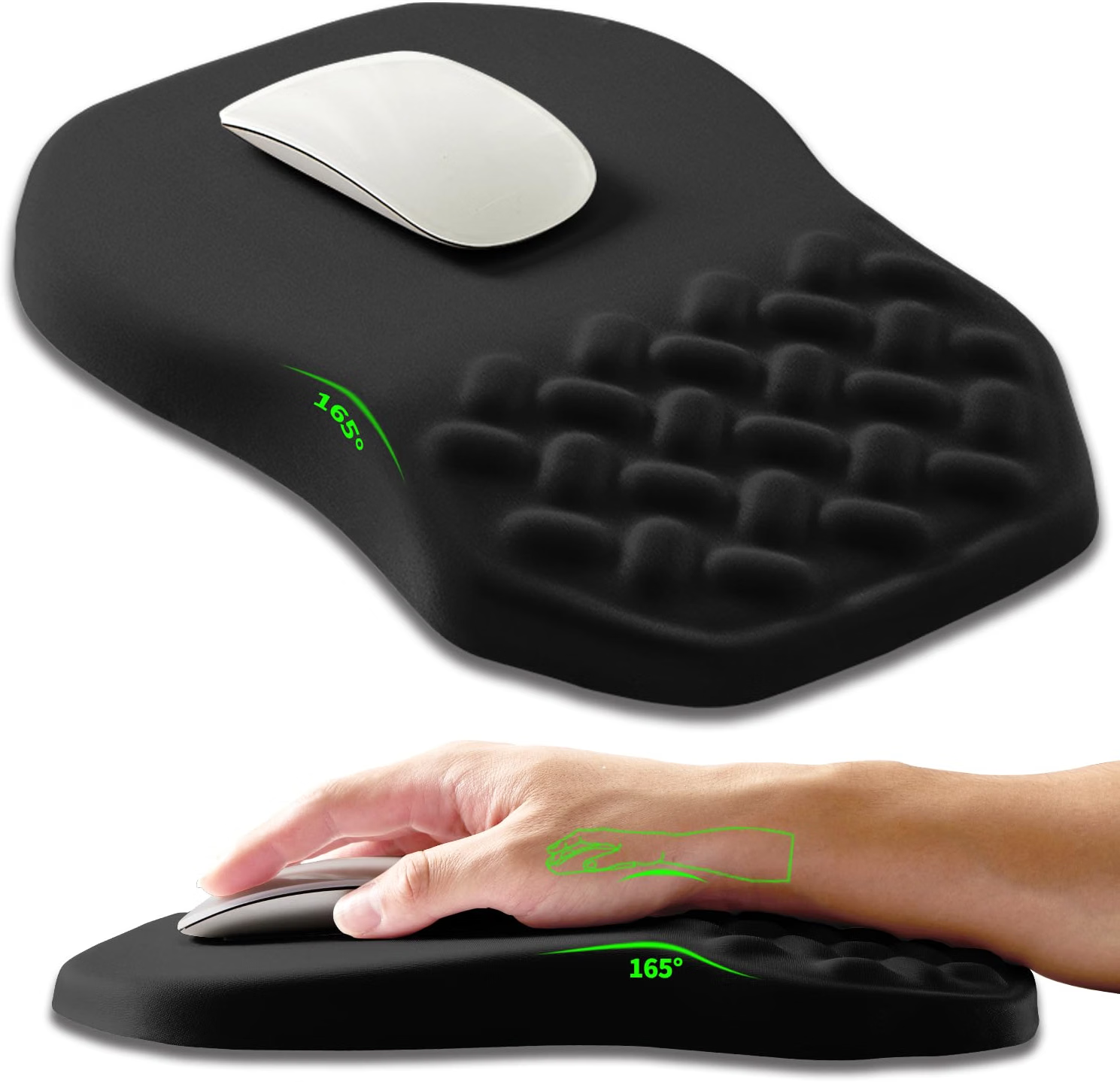
9. Gel Keyboard & Mouse Wrist Rest Set
Soft, cool gel pads that sit in front of the keyboard and under the mouse hand.
Why it helps: Cushions the hard desk edge that presses into the wrist. An easy, cheap desk upgrade.
Standing and moving
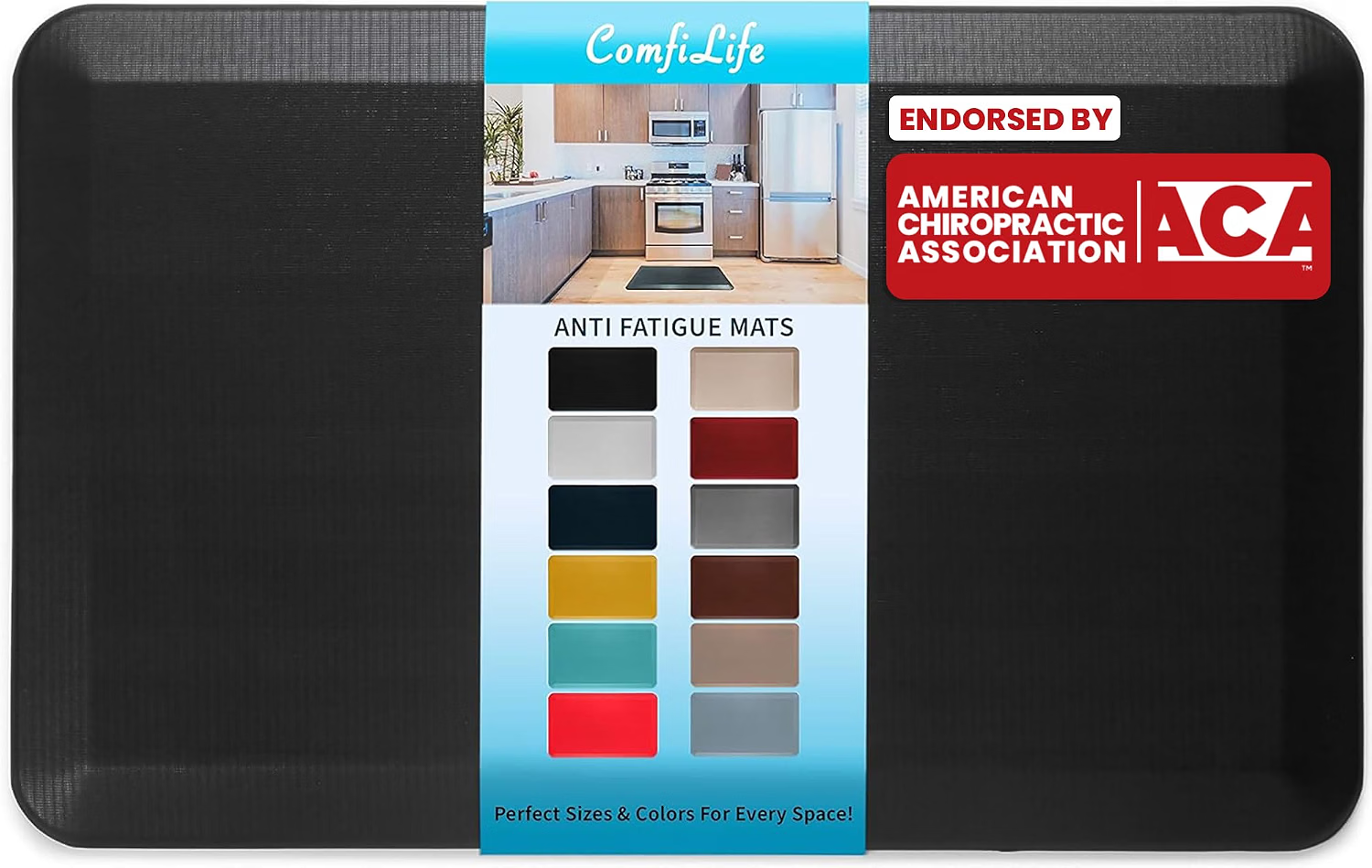
10. Anti-Fatigue Standing Mat
A thick, cushioned mat for the kitchen sink, workbench or standing desk.
Why it helps: Cushioning under the feet reduces the ache in feet, knees and lower back from standing on hard floors.
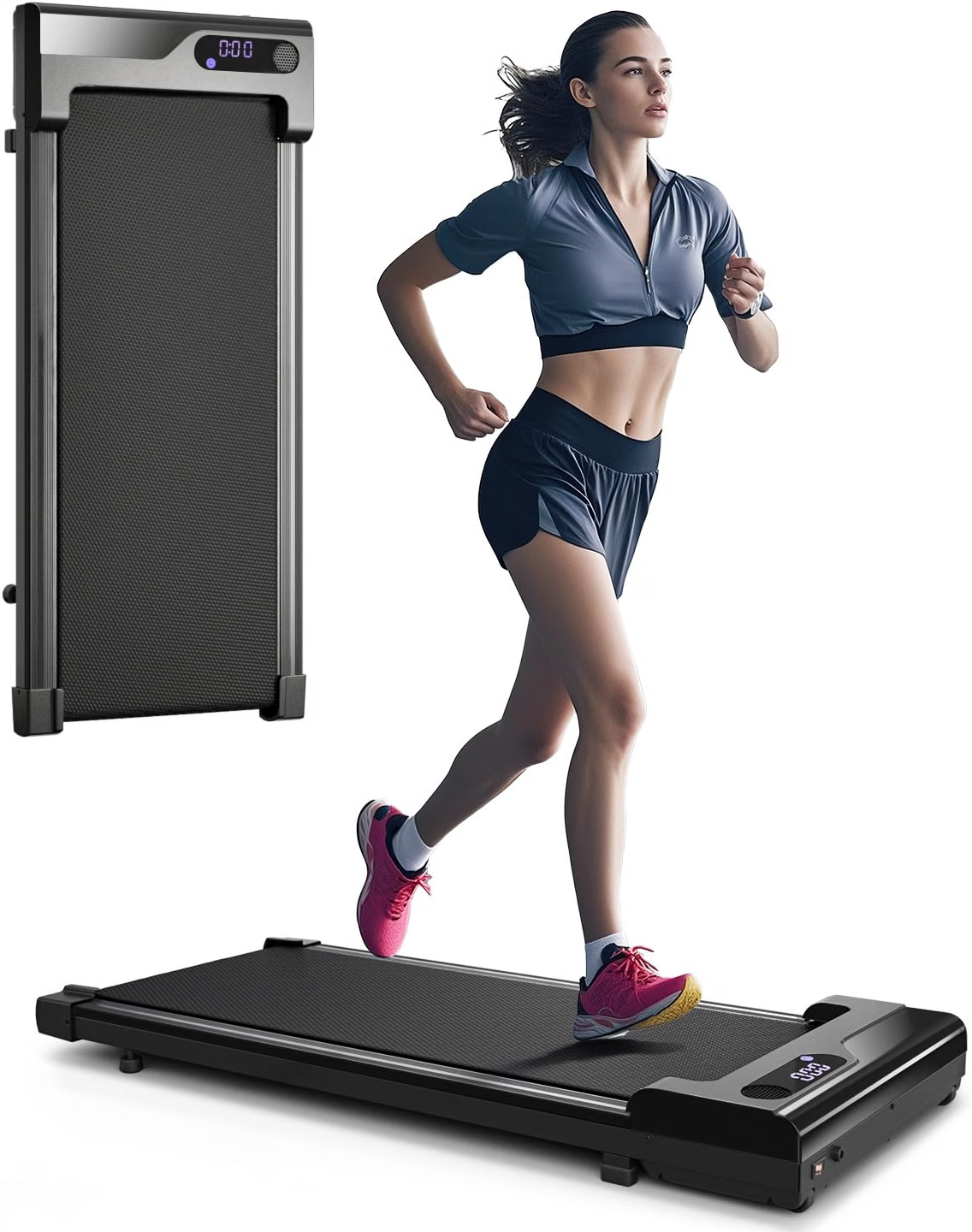
11. Under-Desk Walking Pad
A slim, quiet treadmill that slides under a standing desk or the sofa when not in use.
Why it helps: Turns emails and TV time into easy walking. It's movement that doesn't need a gym trip.
Gift-giving tips
- Laptop users get the biggest win from a laptop stand plus a separate keyboard and mouse. That one combination fixes the screen height and the wrist angle at once.
- Office Secret Santa? A footrest, wrist rest set or monitor light bar is useful for almost anyone, at a modest price. For more under-$25 ideas, see our Secret Santa gifts for coworkers.
- Already in pain? See our back pain, neck pain and carpal tunnel gift guides.